No-Code Website Building Masterclass
Learn a no-code website skill you can offer from home — starting today
Go from never having built a site to confidently planning, assembling, and handing off a simple website for a local or online business. No coding background needed — just a computer, a web browser, and a few hours a week.
- 01PlanMap a simple site brief
- 02BuildAssemble no-code pages
- 03TestCheck access and privacy
- 04LaunchConnect a domain and go live
- 05MaintainHand off and support
Local businesses need a website. Most beginners don't know where to start.
Plenty of small businesses are still running on a social media page or no online presence at all. They don't need a custom-engineered platform — they need someone who can plan a simple site, build it with the right no-code tool, and hand it off cleanly. That's a gap a beginner can genuinely learn to fill.
This masterclass exists so you can learn that exact process from home, at your own pace, and decide afterward whether to offer it as a bounded service to people who need it.
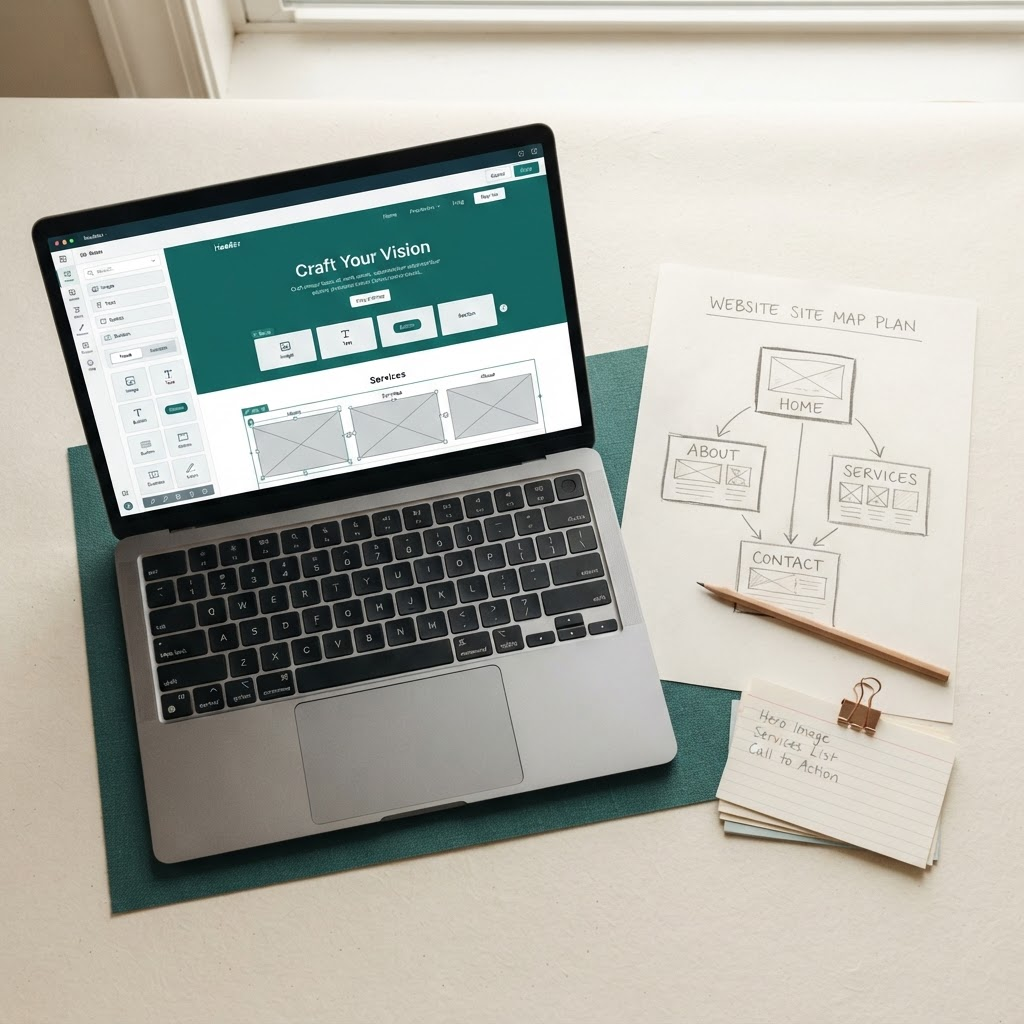
A practical way to learn an in-demand, work-from-home skill
Every part of the curriculum is built around one goal: getting you from zero to a working, handed-off site — and giving you the option to offer that same process to others.
Build without writing code
Work in established no-code platforms — drag, drop, and connect components into a working site, no programming background required.
Designed for true beginners
If you're comfortable using everyday web apps, you have enough of a starting point. Every lesson assumes no prior website experience.
A repeatable service, not just a hobby
You'll practice the same discovery-to-handoff process you'd use with a real local or online business client, over and over until it's routine.
Accessibility and privacy built in
Learn the basic forms, consent, and accessibility checks that keep a simple site usable and compliant, not just good-looking.
Launch and handoff basics
Cover domain connection, testing, and a clean handoff so clients know exactly what they're getting — and what they'll need going forward.
Fits around your current schedule
The masterclass is recorded, so you can move through discovery, layouts, and launch basics in short sessions whenever you have time.
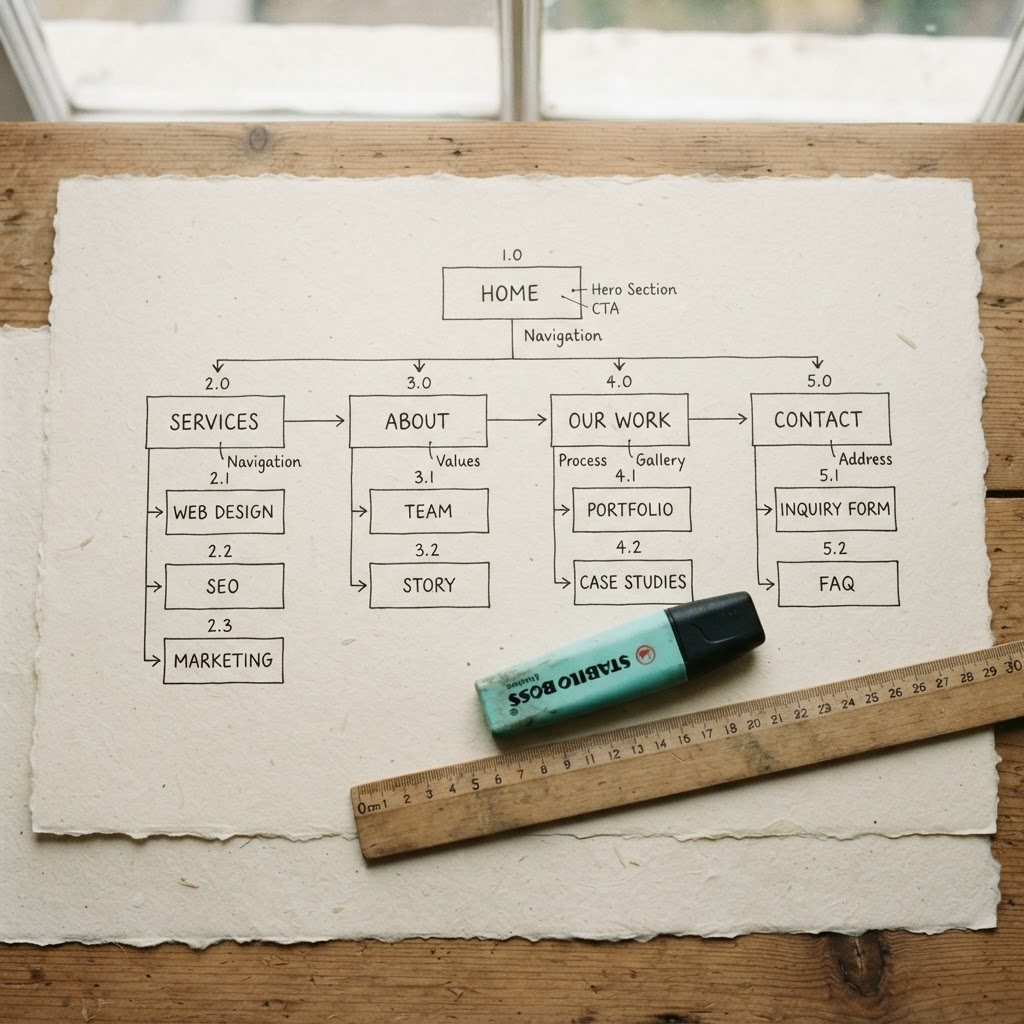
How the method works
A repeatable process, not a one-off trick
Instead of memorizing one platform's menus, you'll practice a discovery-to-handoff process you can reuse for any simple site: a short intake worksheet, a sitemap sketch, no-code layout blocks, an accessibility and privacy pass, then a launch and handoff checklist.
- Start from a short discovery brief, not a blank page
- Sketch a sitemap before touching any building tool
- Reuse the same test-and-handoff checklist on every project
What's inside the masterclass
A recorded, self-paced training built around five practical modules — see the full curriculum for lesson-by-lesson detail.
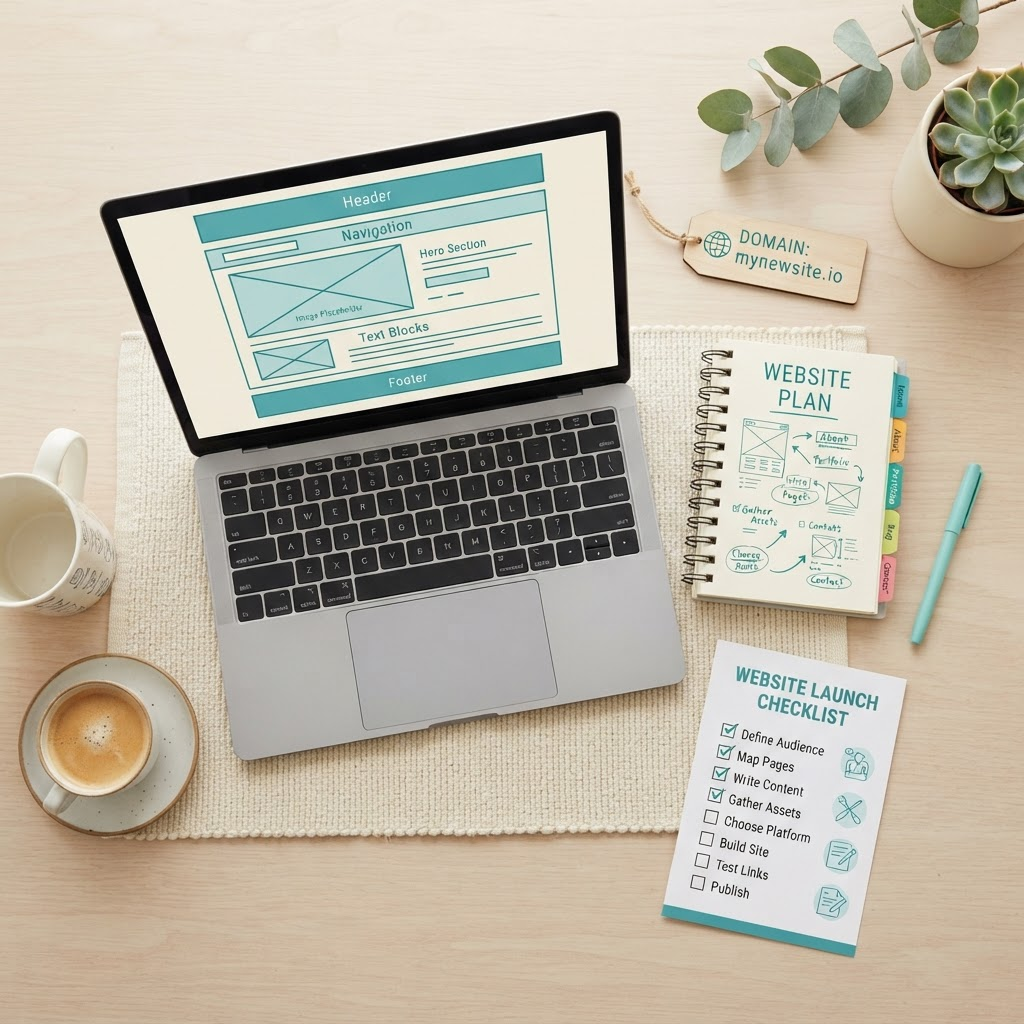
Discovery and site planning
A short intake worksheet and sitemap template so every project starts from a clear brief.
No-code layouts and components
Step-by-step lessons in an established no-code builder, from page sections to navigation.
Forms, privacy, accessibility
Add contact forms responsibly and run a basic accessibility and privacy pass before launch.
Domain and launch basics
Connect a domain, understand hosting costs, and take a site from draft to live.
Testing, handoff, maintenance
A repeatable checklist for testing, handing the site to a client, and scoping ongoing care.
Turn a few focused hours a week into extra income potential*
Beginners who complete the masterclass and start offering a bounded website setup or refresh service could potentially add a modest side income from home — think a few hundred to a few thousand ringgit a month, not a guaranteed figure. What you actually earn depends on your effort, the skills you build, client demand in your area, and market conditions. Read the full Earnings Disclaimer before making any plans around this income.
Before you start, let's address the honest questions
“I've never built a website before.”
That's who this is built for. If you can use a web app comfortably, you can learn the no-code workflow — we start at site planning and move step by step to launch.
“Is this actually a skill I could offer, or just a hobby course?”
The curriculum is built around a real service structure: discovery, build, test, and handoff. What you do with it afterward — and what you charge — is up to you and depends on local demand.
“What about hosting, tools, and ongoing costs?”
We're upfront that no-code platforms, domains, and hosting usually carry their own fees, separate from this masterclass. Part of the curriculum covers stating those costs clearly to a client.
“Will I need to write content or just build the layout?”
You'll learn the build side. Content responsibilities (text, images, business details) are typically the client's, and we cover how to scope that clearly before you start a project.
Ready to learn a skill you can build from home?
Ask us anything about the curriculum, the tools, or whether this track fits your current comfort level with technology — there's no obligation.
Still have questions?
Visit the full FAQ for details on pricing terms, time commitment, tools required, and what happens after you finish the masterclass.
Read the FAQ